> ## Documentation Index
> Fetch the complete documentation index at: https://docs.theoptimizer.io/llms.txt
> Use this file to discover all available pages before exploring further.

# Integrations Overview

> Connect ad networks, tracking platforms, analytics tools, and upload conversion data — everything TheOptimizer needs to manage and automate your campaigns.

export const ArcadeVideoButton = ({id, title = "Watch interactive demo", label = "Watch Video"}) => {
  const [open, setOpen] = useState(false);
  return <div style={{
    display: 'inline-block'
  }}>
      <button type="button" onClick={() => setOpen(true)} style={{
    display: 'inline-flex',
    alignItems: 'center',
    gap: '8px',
    backgroundColor: '#3e47ec',
    color: '#ffffff',
    border: 'none',
    padding: '10px 18px',
    borderRadius: '8px',
    fontSize: '15px',
    fontWeight: '600',
    cursor: 'pointer'
  }}>
        <svg xmlns="http://www.w3.org/2000/svg" width="16" height="16" viewBox="0 0 24 24" fill="white">
          <polygon points="5,3 19,12 5,21" />
        </svg>
        {label}
      </button>

      {open && <div onClick={() => setOpen(false)} style={{
    position: 'fixed',
    top: 0,
    left: 0,
    width: '100%',
    height: '100%',
    backgroundColor: 'rgba(0, 0, 0, 0.85)',
    zIndex: 9999999,
    display: 'flex',
    alignItems: 'center',
    justifyContent: 'center'
  }}>
          <div onClick={e => e.stopPropagation()} style={{
    width: '90%',
    maxWidth: '1100px',
    aspectRatio: '16 / 9',
    borderRadius: '12px',
    overflow: 'hidden',
    position: 'relative'
  }}>
            <iframe src={`https://demo.arcade.software/${id}?embed&embed_mobile=tab&embed_desktop=inline&show_copy_link=true`} title={title} frameBorder="0" loading="lazy" allowFullScreen allow="clipboard-write" style={{
    width: '100%',
    height: '100%',
    border: 'none',
    colorScheme: 'light'
  }} />
          </div>

          <button type="button" onClick={() => setOpen(false)} style={{
    position: 'fixed',
    top: '20px',
    right: '24px',
    background: 'rgba(255,255,255,0.15)',
    border: 'none',
    color: '#ffffff',
    fontSize: '24px',
    lineHeight: 1,
    width: '40px',
    height: '40px',
    borderRadius: '50%',
    cursor: 'pointer',
    display: 'flex',
    alignItems: 'center',
    justifyContent: 'center'
  }}>
            ✕
          </button>
        </div>}
    </div>;
};

export const ArcadePopoutModal = ({id, title = "Interactive demo"}) => {
  const [isPopout, setIsPopout] = useState(false);
  const iframeRef = useRef(null);
  useEffect(() => {
    function onArcadeIframeMessage(e) {
      if (e.origin !== 'https://demo.arcade.software' || !e.isTrusted) return;
      if (!iframeRef.current || !iframeRef.current.contentWindow) return;
      if (e.data.event === 'arcade-init') {
        iframeRef.current.contentWindow.postMessage({
          event: 'register-popout-handler'
        }, '*');
      }
      if (e.data.event === 'arcade-popout-open') {
        setIsPopout(true);
      }
      if (e.data.event === 'arcade-popout-close') {
        setIsPopout(false);
      }
    }
    window.addEventListener('message', onArcadeIframeMessage);
    return () => window.removeEventListener('message', onArcadeIframeMessage);
  }, []);
  return <div style={{
    position: 'relative',
    paddingBottom: 'calc(54.4737% + 41px)',
    height: 0,
    width: '100%'
  }}>
      <iframe ref={iframeRef} src={`https://demo.arcade.software/${id}?embed&embed_mobile=tab&embed_desktop=modal&show_copy_link=true`} title={title} frameBorder="0" loading="lazy" allowFullScreen allow="clipboard-write" style={{
    position: isPopout ? 'fixed' : 'absolute',
    top: 0,
    left: 0,
    width: '100%',
    height: '100%',
    zIndex: isPopout ? 9999999 : 'auto',
    colorScheme: 'light'
  }} />
    </div>;
};

Integrations are how TheOptimizer connects to the tools you already use. Without at least one ad network connected, the platform has no campaign data to work with and no actions it can take. Integrations are the first thing you set up, and the foundation everything else builds on.

TheOptimizer organises integrations into four categories:

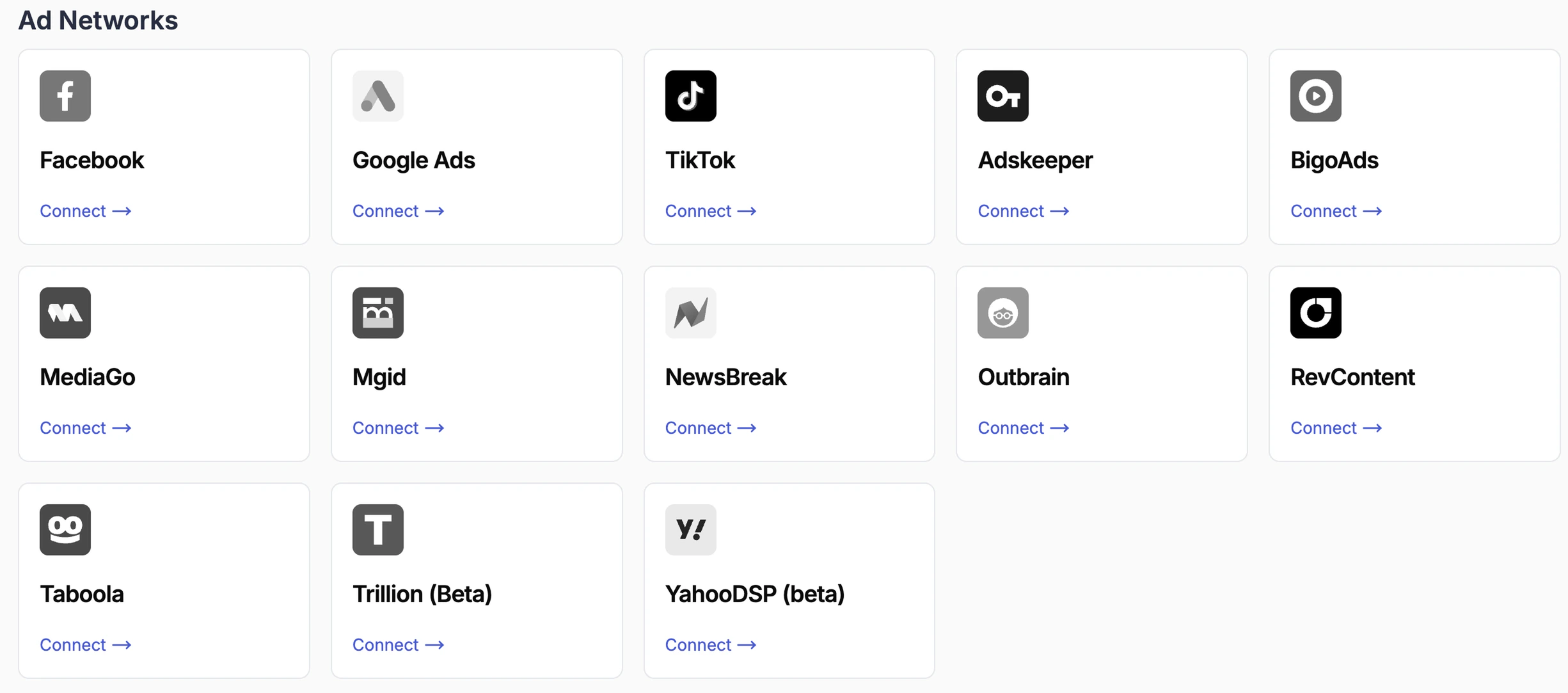
**Ad Networks** — your primary source of campaign data and the target of all automation actions. TheOptimizer pulls spend, impressions, clicks, and conversion data from connected ad networks, and sends back rule-triggered actions (pausing campaigns, adjusting budgets, and so on). You must connect at least one ad network before anything else in the platform can function.

<Frame>
  <img src="https://mintcdn.com/theoptimizer/FmDCaR9ol0N_kcyq/images/image-8.png?fit=max&auto=format&n=FmDCaR9ol0N_kcyq&q=85&s=69449194375012ace6d1b24c5153e408" alt="Image" width="2451" height="1083" data-path="images/image-8.png" />
</Frame>

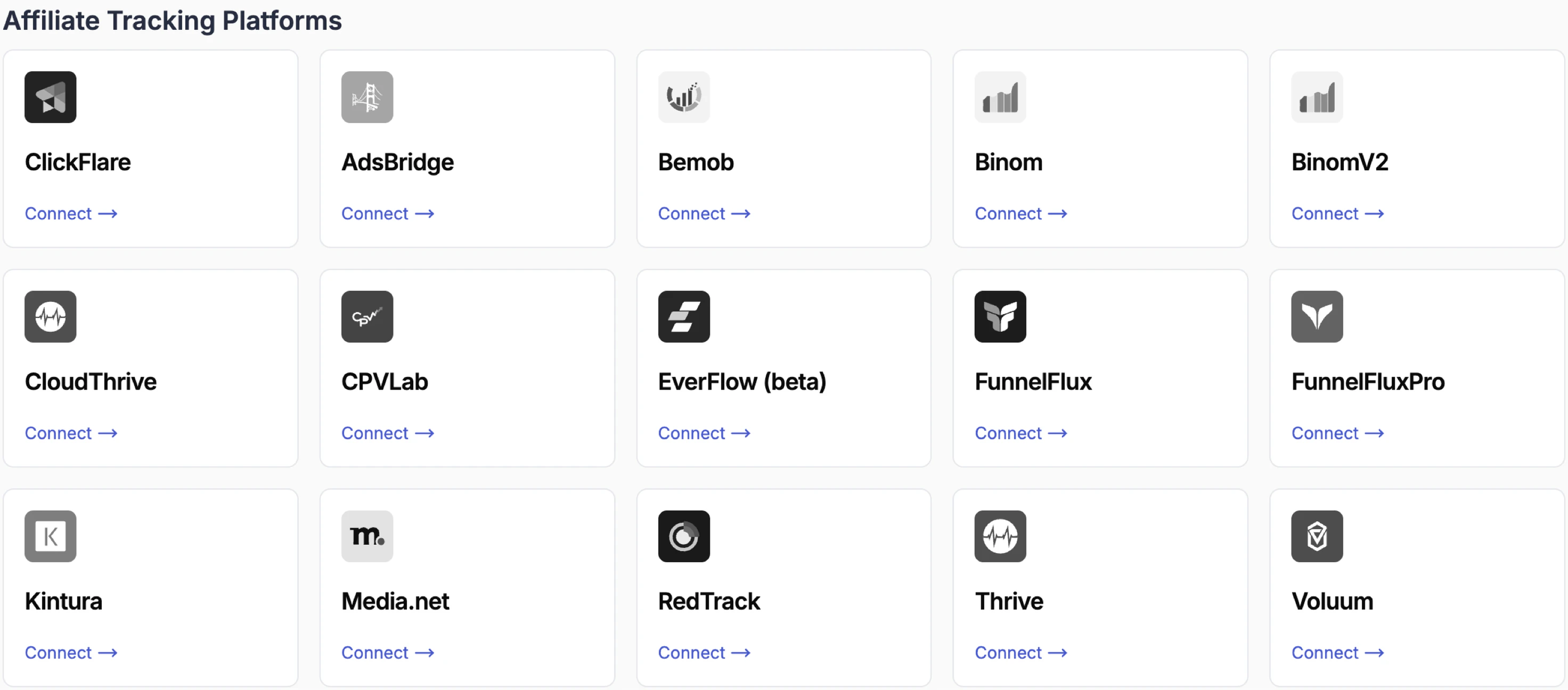
**Tracking Platforms** — sit between your ads and landing pages, providing accurate click-level reporting and advanced funnel analytics. They enable features like browser and device breakdowns, funnel management, and traffic distribution. Supported platforms include <a href="/tracking-platforms/clickflare/connect" target="_blank" rel="noopener noreferrer">ClickFlare</a>, <a href="/tracking-platforms/voluum/connect" target="_blank" rel="noopener noreferrer">Voluum</a>, <a href="/tracking-platforms/redtrack/connect" target="_blank" rel="noopener noreferrer">RedTrack</a>, <a href="/tracking-platforms/bemob/connect" target="_blank" rel="noopener noreferrer">Bemob</a>, <a href="/tracking-platforms/binom/connect" target="_blank" rel="noopener noreferrer">Binom</a>, <a href="/tracking-platforms/everflow/connect" target="_blank" rel="noopener noreferrer">Everflow</a>, and others.

<Frame>
  <img src="https://mintcdn.com/theoptimizer/FmDCaR9ol0N_kcyq/images/image-9.png?fit=max&auto=format&n=FmDCaR9ol0N_kcyq&q=85&s=b4fe12c0853ac38a7d8b74518fa8a7da" alt="Image" width="2944" height="1296" data-path="images/image-9.png" />
</Frame>

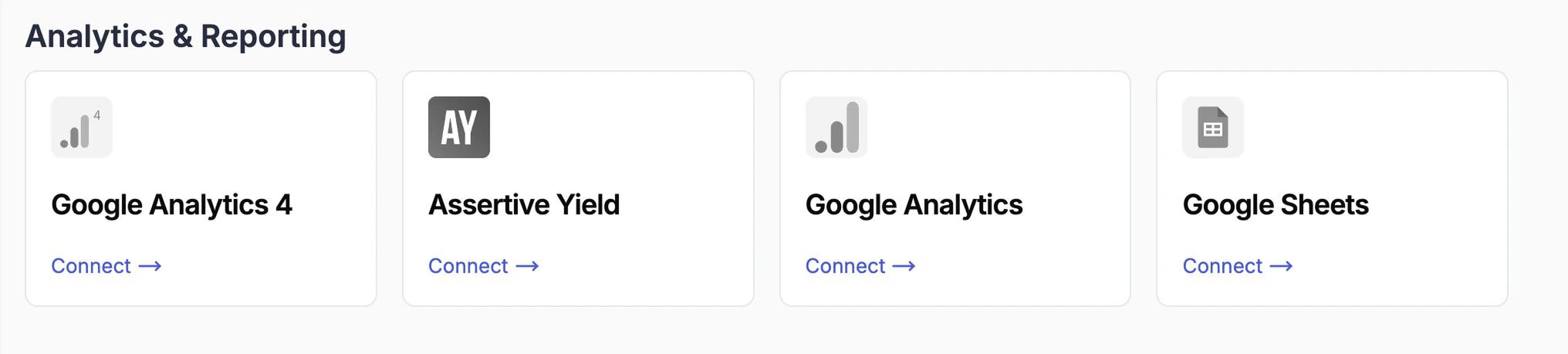
**Analytics & Reporting** — bring external reporting data into TheOptimizer alongside your ad network data. Includes <a href="/integrations/google-analytics" target="_blank" rel="noopener noreferrer">Google Analytics 4</a> (behavioural metrics), <a href="/tracking-platforms/assertive-yield/connect" target="_blank" rel="noopener noreferrer">Assertive Yield</a> (yield analytics for content arbitrage), <a href="/integrations/upload-csv" target="_blank" rel="noopener noreferrer">Google Sheets</a> (for unsupported trackers), and <a href="/campaign-manager/revenue-sources" target="_blank" rel="noopener noreferrer">Search Feeds</a> (Sedo, System1, Tonic).

<Frame>
  <img src="https://mintcdn.com/theoptimizer/FmDCaR9ol0N_kcyq/images/image-10.png?fit=max&auto=format&n=FmDCaR9ol0N_kcyq&q=85&s=9492ed58c73cac1a097dfac09e6b1e11" alt="Image" width="2032" height="459" data-path="images/image-10.png" />
</Frame>

**Bring Your Own Data** — Upload any event data (manually or using our API) data from any source using a standardised CSV column format, for cases where no direct integration exists.

***

## Data Sync & Historical Data

### Data Sync Frequency

TheOptimizer syncs data from all connected ad networks and tracking platforms **every 30 minutes** by default. If you need more frequent updates, this interval can be lowered on request depending on your subscription plan:

| Plan            | Minimum sync interval |
| --------------- | --------------------- |
| Starter         | 30 minutes (default)  |
| Pro             | 20 minutes            |
| Master / Custom | 10 minutes            |

To request a lower sync interval, contact TheOptimizer support.

### Historical Data Pull

When you connect a new ad network or tracking platform for the first time, TheOptimizer automatically pulls **30 days of historical data**. This means your campaign history, spend, and conversion data will be available immediately after setup — you don't need to wait for live data to accumulate.

The time required to complete the historical pull varies depending on the amount of data in the account. Most accounts complete within **2–3 hours**. During this window, you may see partial data — this is expected and will resolve once the pull finishes.

***

## Next Steps

<CardGroup cols={2}>
  <Card title="Connect an Ad Network" icon="plug" href="/integrations/ad-networks">
    How to connect Facebook, TikTok, Taboola, and other ad networks.
  </Card>

  <Card title="Connect a Tracking Platform" icon="chart-line" href="/integrations/tracking-platforms">
    Connect ClickFlare, Voluum, RedTrack, and other trackers.
  </Card>

  <Card title="Google Analytics & Sheets" icon="google" href="/integrations/google-analytics">
    Bring GA4 behavioural metrics and Google Sheets data into TheOptimizer.
  </Card>

  <Card title="Upload Conversion Data via CSV" icon="file-csv" href="/integrations/upload-csv">
    Upload conversion data manually using a CSV or Google Sheet.
  </Card>
</CardGroup>