
What each section covers
Notification Settings
Connect email, Slack, and Telegram destinations and choose which alerts go to each one.
Team Members
Invite teammates, set their role — Standard, Editor, or Admin — and control which ad accounts each one can access.
Profile
Update your personal information, change your password, and connect sign-in providers.
Security
Turn on two-factor authentication and review the devices you are signed in on.
Billing & Subscription
Change plan, manage cards, download invoices, and see how much ad spend your plan covers.
Who can see what
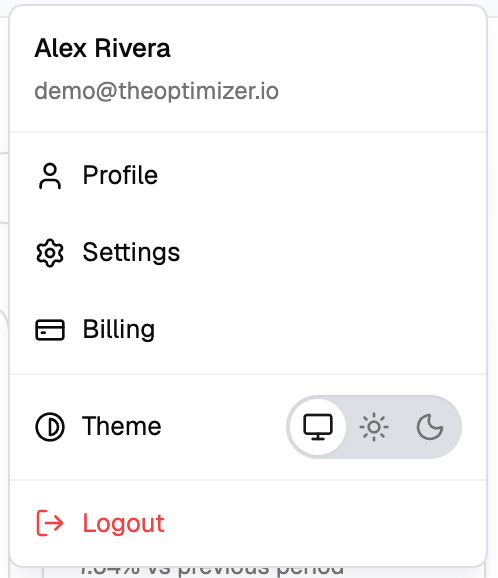
TheOptimizer distinguishes between the main account holder — the person who signed up and owns the subscription — and team members invited into that account.- Billing is visible to the main account holder only. Team members do not see the menu item at all.
- Team settings are available to the main account holder and to team members with the Admin role. Other team members see them only on plans that include multi-user access.
- Profile and Notifications are available to everyone. Each person manages their own.
Inviting team members requires a plan that includes multi-user access. If your plan is single-user, opening the Team tab shows an upgrade prompt instead of the team list.