
How to Use an Existing Post
At the Ad level, after selecting your Facebook Page and Instagram Account, you will see a selector with two options: Create an ad (the default) and Use an existing post. Select Use an existing post.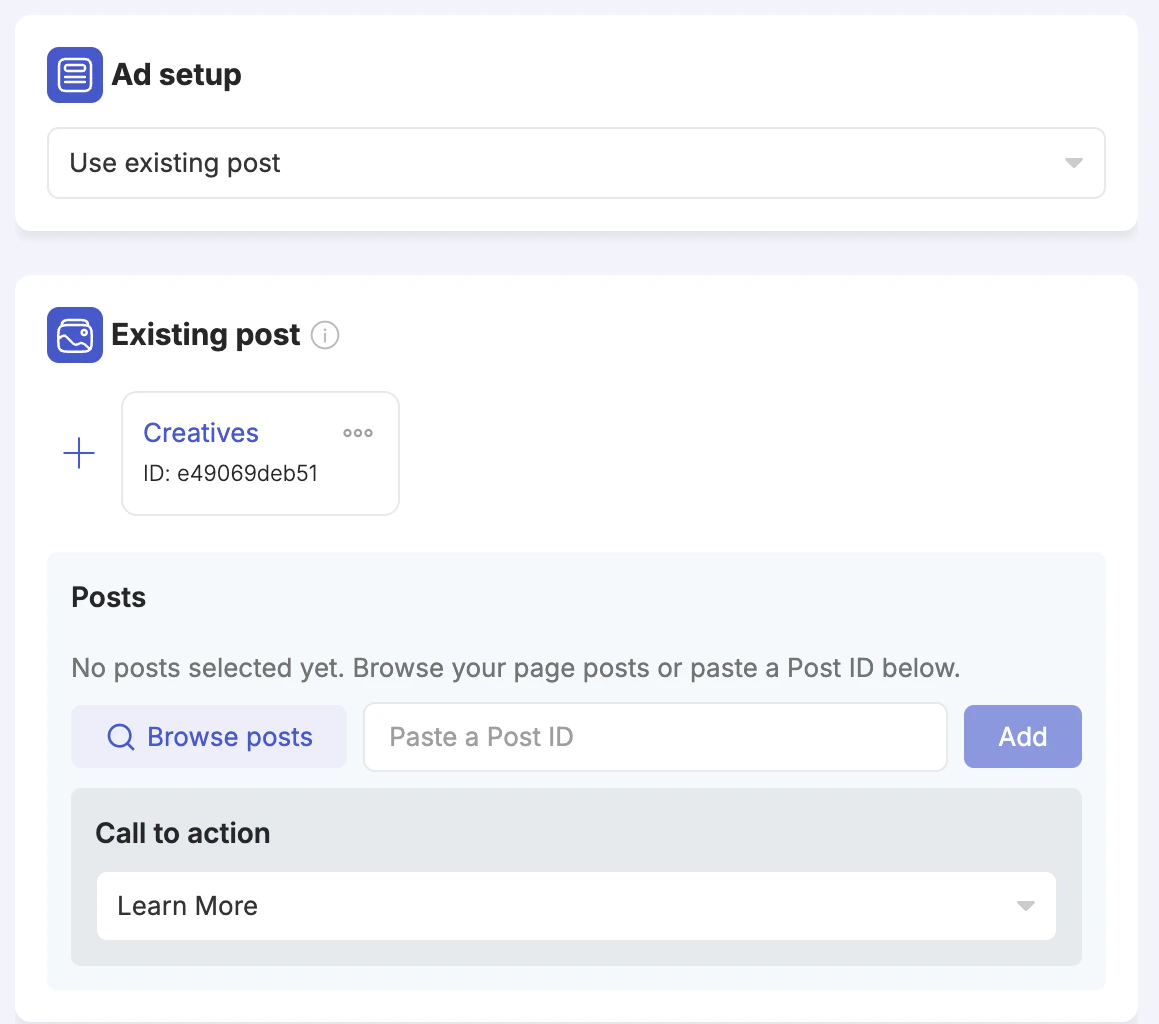
- Browse posts — opens a searchable panel showing all posts available to the selected ad account. You can search by post ID, message text, or other post elements. The list shows post type (image, video, etc.), whether it is a published or ads post, share count, and creation date.
- Paste a Post ID — if you already know the post ID, paste it into the field and click Add.