
The Google Ads Campaign Creator is in Beta. Before you start, connect your Google Ads account.
Supported campaign types
Why launch from TheOptimizer instead of Google Ads
Every variation in one go
Add budgets, bidding, targeting, keywords and creatives as groups, and every combination is built automatically.
Google checks it before launch
Google validates each campaign without creating anything. Every issue appears on the level it belongs to, with a Fix it shortcut.
One image, every size
Add an image once and set its crop for each ratio Google needs.
Team-ready
Templates, saved work, naming templates on every level, and an Active or Paused status for each level.
Opening the Campaign Creator
1
Open the launcher
In the left navigation, go to Campaigns → Create, then click the Google Ads card.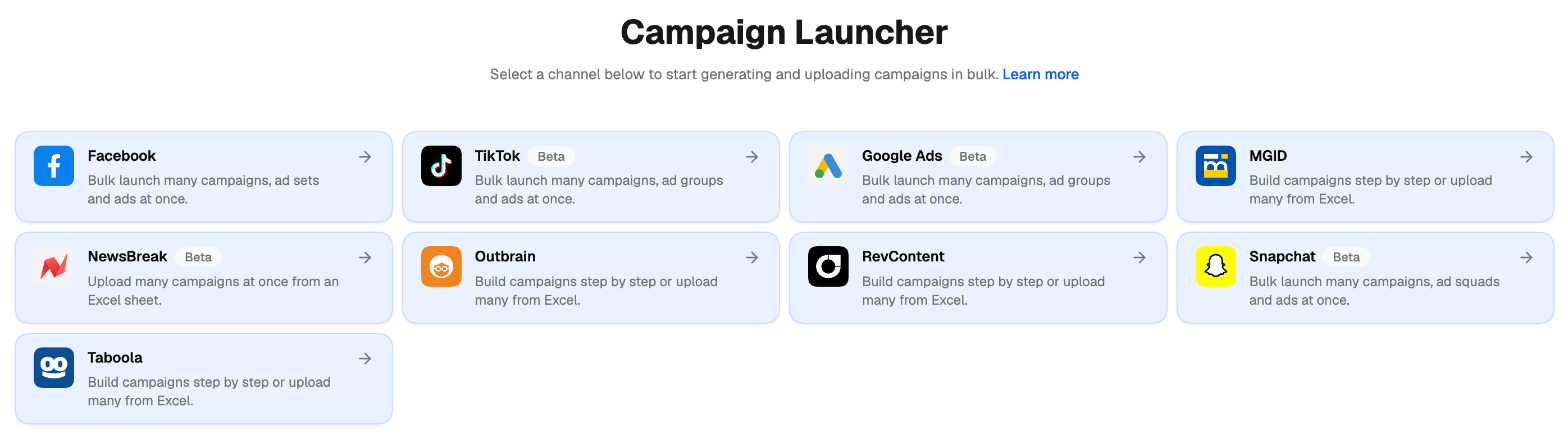
2
Pick the ad account
Select the Google Ads account to launch in.
3
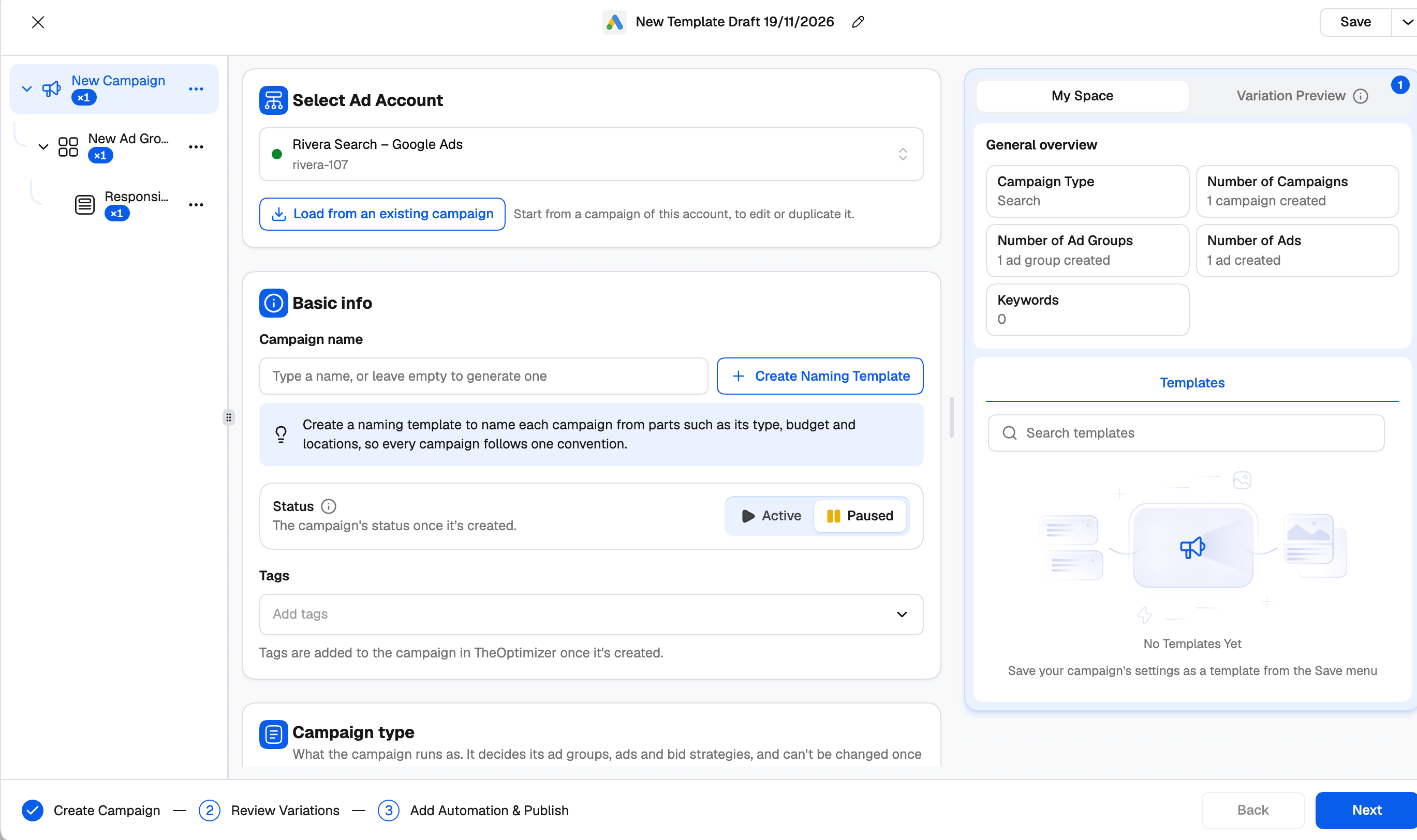
Build, review and publish
The creator walks you through three steps: Create Campaign, Review Variations and Add Automation & Publish. See Build a Google Ads campaign.
Google’s check before you publish
When you publish, TheOptimizer first sends every campaign to Google to check, without creating anything. If Google flags something — a headline that’s too long, a disallowed claim, a missing setting — the levels with errors are marked in the tree on the left, each issue with its message and how many places it occurs. Click Fix it to jump to the field, correct it, and click Check again. If Google’s check can’t run, you can still publish: the Campaign Creation Queue then reports anything Google refuses.Templates, saved work and existing campaigns
- Your work is saved as you go. Close the creator and come back later: it asks whether to Continue where you left off or Start New.
- Templates save a whole setup — every level and its groups — so the team can reuse it. Use Apply template to start from one. Shared budgets, lists, audiences and goals only carry over when the template is used in the same ad account.
- Load from an existing campaign starts from a campaign already in the ad account, to edit or duplicate it.
- Naming templates build each campaign, ad group and asset group name from parts, so large launches stay readable. See Naming templates.
Next steps
Build a Google Ads campaign
The settings at each level, by campaign type.
Groups and variations
How groups turn into campaign, ad group and ad variations.